Blog · World webcams
Spain Beach Webcams: Watch the Coast Live Before You Go
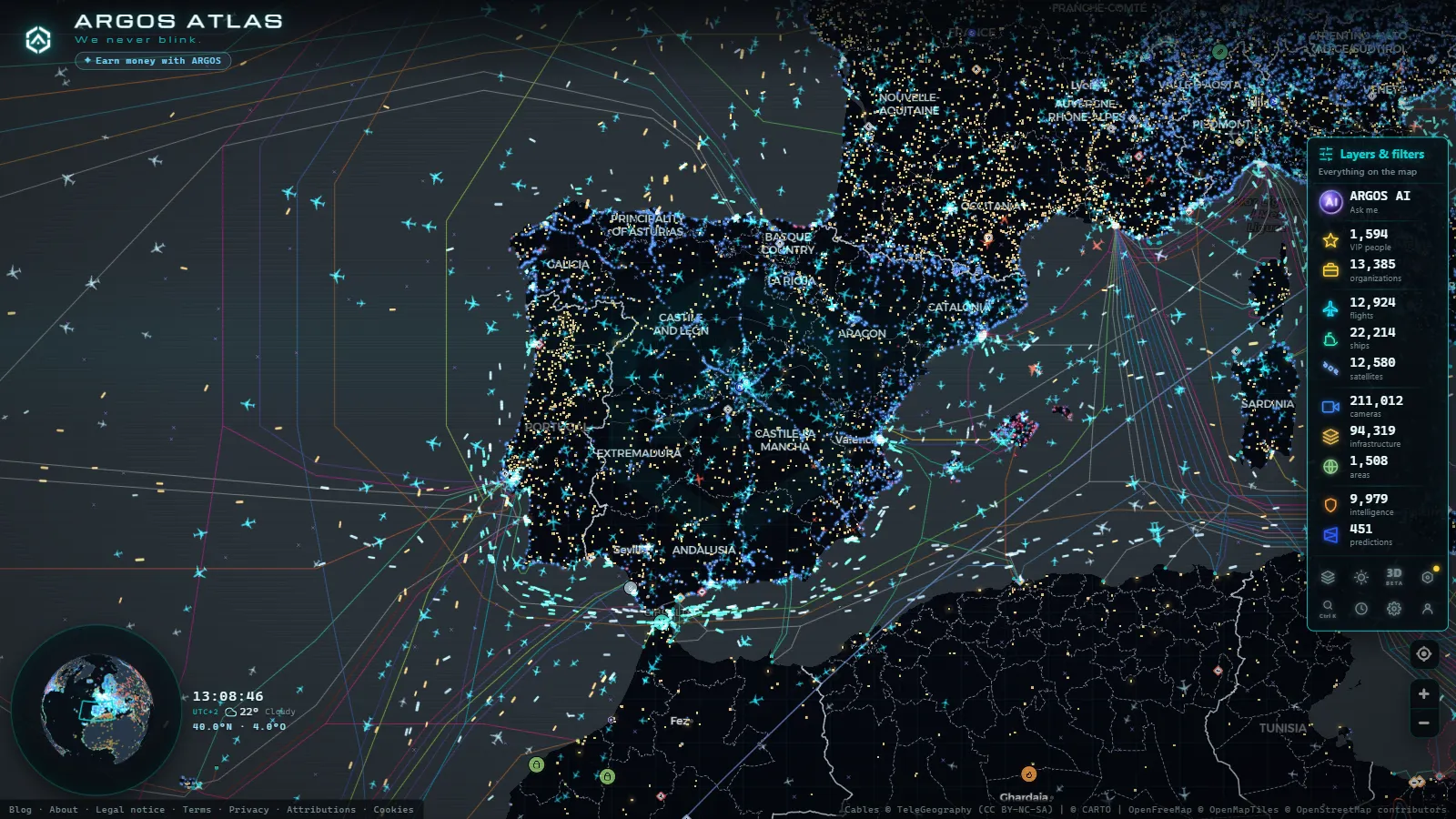
Checking the beach before you go is one of those small superpowers the internet hands out that surprisingly few people use. Is the sand packed or is there still room? Is it windy? Is the water flat or are waves breaking? Has the morning fog lifted yet? All of that gets answered in ten seconds with a webcam, live, free and without leaving home.
Spain, with thousands of kilometres of coastline spread across two seas and two archipelagos, has an ever-growing network of coastal cameras: the ARGOS ATLAS map gathers around 10,400 public cameras across the country, and a growing share of them points at the shoreline. This guide covers what you can watch live, the types of webcams out there, how to tell whether an image is current and how to find them all without trawling through dozens of websites.
Why check a webcam before heading to the beach?
Because the beach changes by the hour, and no forecast tells the whole story. A webcam answers the practical questions you weigh before leaving the house:
- Crowds: a wide shot of the sand instantly tells you whether it is worth getting up earlier, switching beaches or simply saving it for another day.
- Sea state: you cannot see the warning flag from home, but you can see the swell. A live image shows whether the water is calm or churned up.
- Actual weather, not predicted weather: the forecast may say sun while the camera shows a bank of cloud rolling in. In microclimate country (the north, the islands) the image beats the forecast. Weather webcams help here too.
- Wind: taut flags, bent palm trees, ruffled water. Wind is visible, and for anyone carrying a parasol or a surfboard it is decisive information.
The alternative to the webcam is driving to the car park and finding out in person. The camera saves you the wasted trip, and in high summer (with the coast full and car parks at their limit) that saving multiplies: ten seconds of live footage can spare you an hour of driving for nothing.
From the Canaries to the Cantabrian coast: what you can watch live
Webcam coverage along the Spanish coast is uneven, but some areas are particularly well served:
- The Canary Islands: probably the best-covered territory. Between traffic and coastal cameras, the ARGOS ATLAS map gathers around 640 cameras across the islands, with views of beaches, promenades and seafronts on the main islands.
- Galicia and the Rías: the seafaring tradition shows. Vigo and its estuary, the fishing ports and several Atlantic beaches have cameras showing both the sand and the sea state, which changes fast on the Atlantic.
- The Cantabrian coast: in the north, coastal cameras do double duty, beach watching in summer, swell watching the rest of the year. Surfers rely on them heavily, because the Cantabrian Sea is serious wave country.
- The Mediterranean: from the Costa Brava to the Costa del Sol, municipal and marina cameras abound, showing promenades, harbour mouths and urban beaches.
For a quick overview, here is the summary of what each coast offers:
| Area | What you see | Camera type |
|---|---|---|
| Canary Islands | Beaches, promenades and seafronts on the main islands | Municipal, traffic and coastal (around 640 cameras on the map) |
| Galicia and the Rías | Vigo and its estuary, fishing ports, Atlantic beaches | Port and municipal cameras |
| Cantabrian coast | The sand in summer, the swell the rest of the year | Surf and coastal-watch cameras |
| Mediterranean (Costa Brava to Costa del Sol) | Promenades, harbour mouths and urban beaches | Municipal and marina cameras |
The table leaves two takeaways. First, each coast has its speciality: the Canaries stand out for volume and variety, the north for swell-watching cameras, the Mediterranean for urban promenade-and-sand views. Second, the camera type shapes what you see: a surf cam will tell you about the sea better than anything, but to judge crowds you want the wide shot of a municipal webcam.
In total, Spain accounts for around 10,400 public cameras on the map across all sources: traffic, cities, ports and coast. Not all of them point at the sea, but the shoreline is better represented every year.
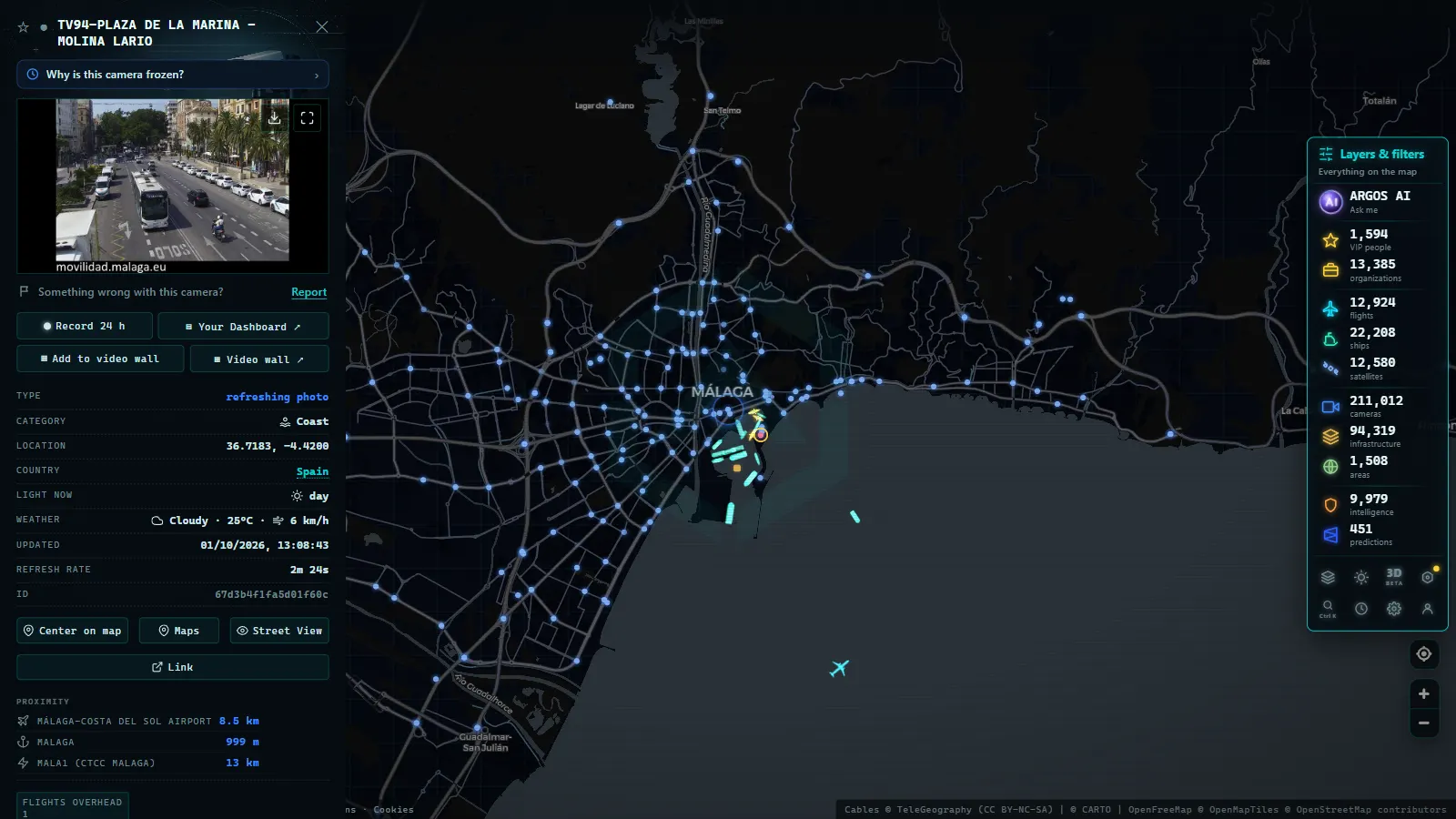
Types of beach webcams: municipal, port and surf
Not every coastal camera was born for the same purpose, and knowing the origin helps you interpret what you see:
- Municipal and tourism webcams: installed by town councils and promotion boards to show off the destination. They usually offer the prettiest shots (promenade, sand, skyline) and are ideal for judging crowds.
- Marina and port authority cameras: they watch harbour mouths, pontoons and docks. Their purpose is nautical, but many happen to give excellent views of the sea state and coastal weather.
- Surf cams: pointed straight at the break. Their audience wants to see the size and quality of the wave right now, not a photo from an hour ago, so they tend to be among the best maintained for freshness.
- Coastal traffic cameras: cameras watching seafront roads and promenades sometimes catch the beach in frame. It is not their job, but they add coverage where nothing else exists.
For a deeper dive into the differences between them, there is a guide to the types of public cameras online.
Recorded straight off the map, no sound.
Is the image current? How to check freshness
The great enemy of beach webcams is not image quality: it is the frozen frame. A dead camera still showing yesterday's sunny sand can ruin your morning. Some quick checks:
- Look for the timestamp: many cameras overlay date and time. If it does not match the present, be suspicious.
- Compare with the real light: if the sun is setting where you are and the image shows midday light, the camera is frozen.
- Watch the moving elements: flags, waves, people walking. In a real stream something always moves; with a refreshing still image, two consecutive loads should show differences.
- Cross-check two cameras in the same area: if the promenade cam and the harbour cam tell different stories (one sunny, one overcast) at least one of them is out of date.
- Verify the source: cameras run by official bodies tend to be better maintained than those on anonymous sites. Learning to tell whether a webcam is official is the best vaccine against stale images.
Freshness matters more on the coast than almost anywhere else, because sea and sky change in minutes.
Every Spanish beach on a single map
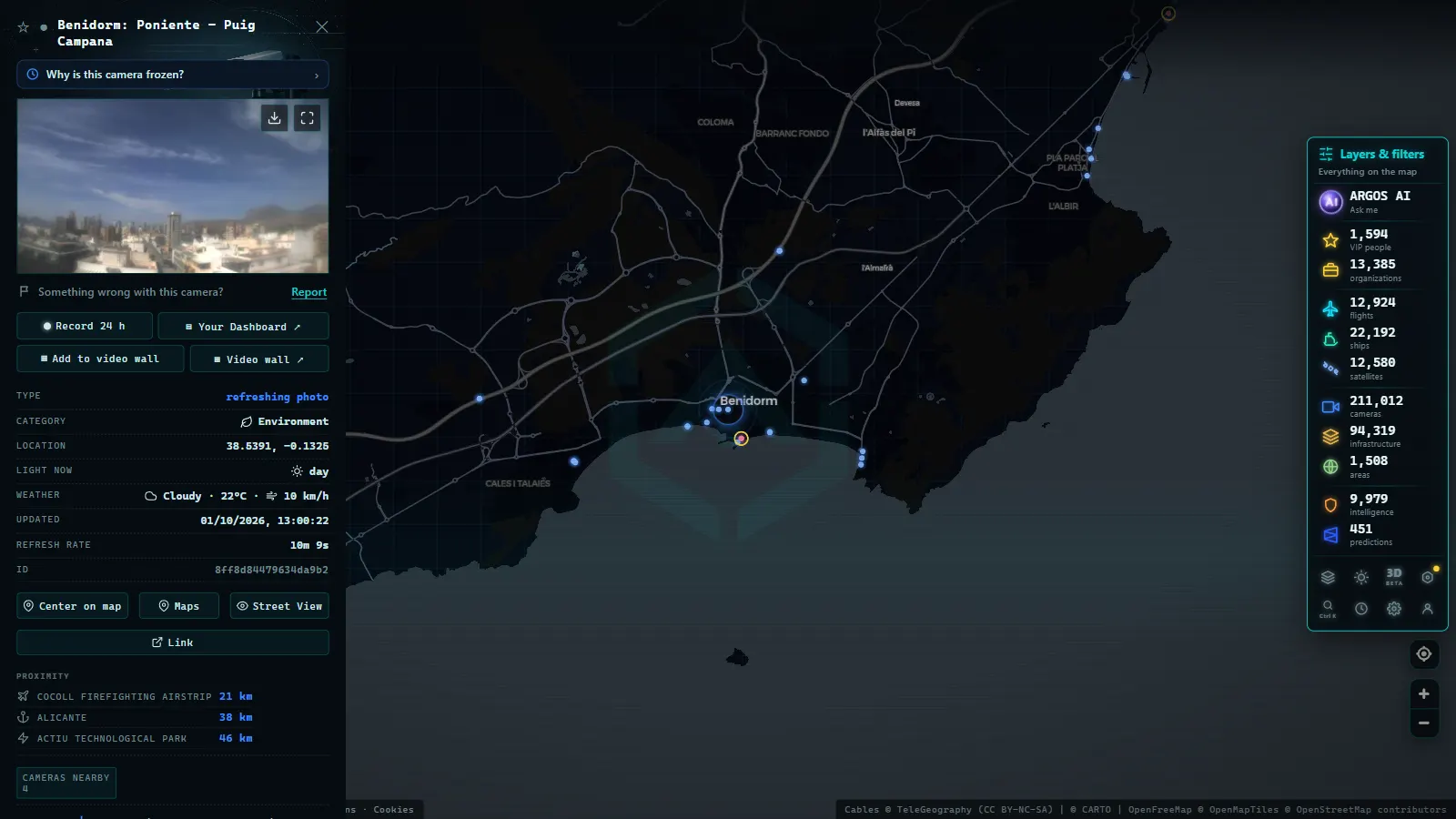
The traditional way to watch beaches live was collecting bookmarks: the town hall's site, the port's site, the surf club's site... An aggregator map removes that friction. On the ARGOS ATLAS map, Spain's coastal cameras sit alongside more than 200,000 public cameras worldwide: you can browse the shoreline, open the camera on a specific beach and check the access road camera while you are at it, all on the same screen.
The map also shows each camera's source and status, which settles the freshness question at a glance. A seasonal note: if your trip to the coast coincides with Spain's August getaway operation, the same map that shows you the sand shows you the motorway. Checking both cameras before setting off (the beach and the road) is the complete version of the trick. And if the beach plan falls through, you can always console yourself exploring live webcams from around the world, from the fjords to the tropics.
One important note to close: these cameras offer wide, general views and do not allow the people in them to be identified. Their purpose is to show the state of the beach (crowds, sea, weather) not to watch anyone. That is why they are public, and why you can use them guilt-free to decide whether today calls for the parasol or the sofa.
Frequently asked questions
Can you check how crowded a beach is live?
Yes. Most beach webcams offer a wide view of the sand that tells you at a glance whether it is packed, half full or empty. These are open shots designed to show the whole scene, not to identify the people who appear in the image.
How do I know if a beach webcam is official?
Look at who publishes it: town councils, marinas, port authorities and tourism bodies are reliable sources. Be wary of pages that do not state where the image comes from or when it was last updated, because they may be showing old photos.
Are there webcams on every beach in Spain?
No, coverage is uneven: some stretches of coast have many cameras and others none at all. The Canary Islands are among the best covered areas, with around 640 cameras between traffic and coast on the ARGOS ATLAS map, while other regions have a sparser network.
Are beach webcams useful for surfing?
Yes, many exist precisely for that. Cameras pointed at surf spots show the real swell at any given moment, something no forecast can fully replace. Comparing the forecast with the live image is routine for any surfer.
Where can I watch Spain's beach webcams live for free?
On the ARGOS ATLAS map, which is free: it gathers around 10,400 public cameras in Spain (traffic, cities, ports and coast) alongside more than 175,000 worldwide. You can browse the shoreline, open the camera on a specific beach and check its source and status on the same card.
- Hurricane Live Cameras: Watch Miami's 982 Feeds This Season
- Perseids 2026: when to watch and how to see them live
- Canary Islands webcams: 642 live cameras, island by island
- Solar eclipse 2026 live stream: how to watch it safely
- Airport Webcams Live: Plane Spotting From Your Screen
- Nepal Live Map: What You Can Actually Track in Real Time