Blog · Traffic cameras
NSW Traffic Cameras: Watch Sydney Live on One Map
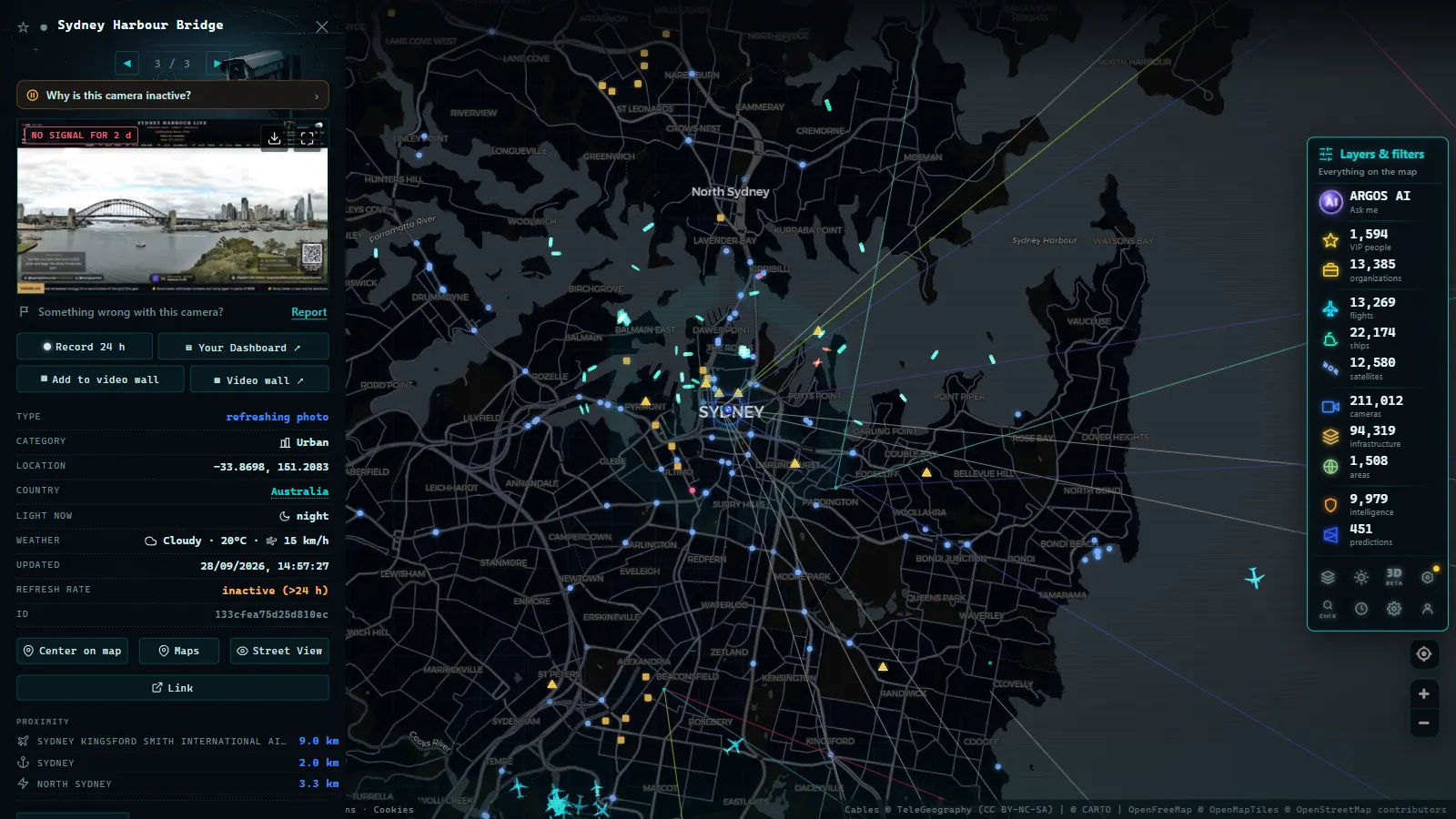
Sydney's traffic cameras are published in the open: Transport for NSW offers around 200 official cameras through Live Traffic NSW, and once other public sources are added, the ARGOS ATLAS map shows around 330 cameras in the Sydney area and around 980 across New South Wales, free, live and with no sign-up.
They are needed, too, because Sydney traffic has a reputation and it is earned: a city built around a harbour, funneled across a handful of bridges and tunnels, with motorways that carry enormous commuter loads every morning and evening. When something goes wrong on the M1 or at the Harbour Bridge approaches, the ripple reaches half the metropolitan area within minutes.
How traffic monitoring cameras in NSW work
Live Traffic NSW is the real-time traffic information service run by Transport for NSW, the state's transport authority. Alongside incident alerts, roadworks notices and closure warnings, it publishes around 200 official traffic cameras covering Sydney and the state's key corridors.
The cameras are placed where they earn their keep: motorway junctions, bridge and tunnel approaches, and the pinch points that decide whether your commute flows or crawls. Rather than continuous video, most publish still images that refresh frequently, a deliberate choice that keeps the service fast and reliable while still showing exactly what matters: how dense the traffic is, whether the road is wet, whether an incident is blocking a lane.
For drivers, the value is immediacy. A radio bulletin describes a jam; a camera shows it. You can judge for yourself whether the queue is a genuine blockage or just slow-and-steady, and decide whether to reroute, delay or push on. If you want the background on how these systems work everywhere, read how traffic cameras work.
Reading a still image well is a small skill worth picking up. Look at how tightly the vehicles are packed, whether both directions are moving, whether headlights and a shiny surface give away rain. Ten seconds is enough once you know what that camera usually shows at that hour of the day.
Sydney's key corridors, in one table
A few routes concentrate most of Sydney's traffic drama, and they are exactly where the cameras cluster:
| Corridor | What it is | When to check the camera |
|---|---|---|
| M1 | The north–south spine, toward Newcastle and the Central Coast | Holiday weekends and beach exodus days |
| M4 | The western corridor, feeding the fast-growing suburbs and the Blue Mountains | Morning peaks eastbound |
| M5 | The south-western artery, serving the airport corridor | Rush hour: an incident here is felt across half the city |
| Sydney Harbour Bridge | The icon turned bottleneck between the north shore and the CBD | Before any crossing, almost as a ritual |
The reading is simple: if your trip touches any of these four, its camera should be your first check of the day. Counting official cameras and other public sources together, the ARGOS ATLAS map shows around 330 cameras in the Sydney area, enough to trace almost any route across the city, junction by junction, before you leave.
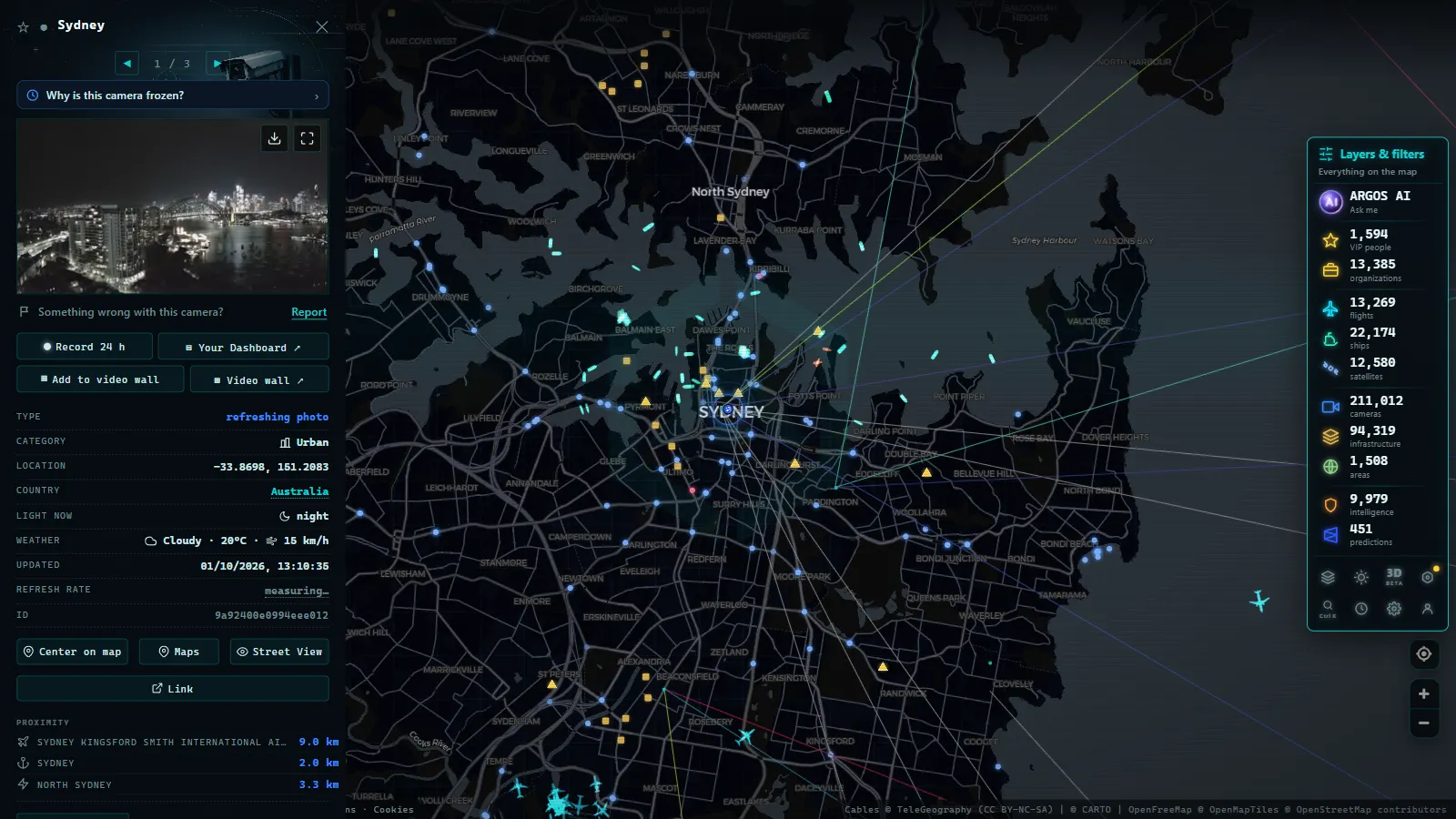
One map for every camera (and much more)
Official portals are excellent, but they stop at the state border and they only show traffic. An aggregator map takes a different approach: put every public camera in the world on one globe and let you pan anywhere.
On the ARGOS ATLAS map, the NSW cameras appear alongside more than 200,000 public cameras worldwide: New South Wales contributes around 980 of them, and Australia as a whole around 2,600. The practical benefits:
- One interface for everything: the same map covers your Sydney commute, your Queensland road trip and the city you are flying to next month.
- Context beyond traffic: the map also shows live flights, ships, ports and airports. You can watch the M5 airport corridor camera and the aircraft landing beside it on the same screen.
- Source transparency: each camera shows where its image comes from, so you always know you are looking at an official feed.
The workflow is short: open the map, zoom to your corridor, tap the cameras at the junctions that decide your trip, and glance at each timestamp as you go. Combined with a general live traffic map, it turns route planning from guesswork into observation.
From the ARGOS ATLAS channel.
Beyond Sydney: the rest of New South Wales and Australia
Live Traffic NSW is not just a Sydney service. Cameras follow the main corridors out of the metropolitan area (toward the coast, the mountains and the regional cities) where conditions can differ wildly from the city: fog on the ranges, flooding after heavy rain, long stretches where the next town is far away. Checking the camera at the pinch point of a regional route is even more valuable than in the city, because alternatives are fewer. The habit transfers directly: find the one camera that watches the pass, the bridge or the floodway on your route, and make it the check you never skip.
If your driving extends beyond the state, each Australian state runs its own equivalent service, with different portals and conventions. We cover the whole country in our guide to traffic cameras in Australia, and if you follow the east coast north, our guide to traffic cameras in Brisbane and Queensland covers the other half of that corridor. For the hop across the Tasman, there is a companion guide to traffic cameras in New Zealand as well. The advantage of an aggregator map is precisely that these administrative borders disappear: the cameras just appear where they are.
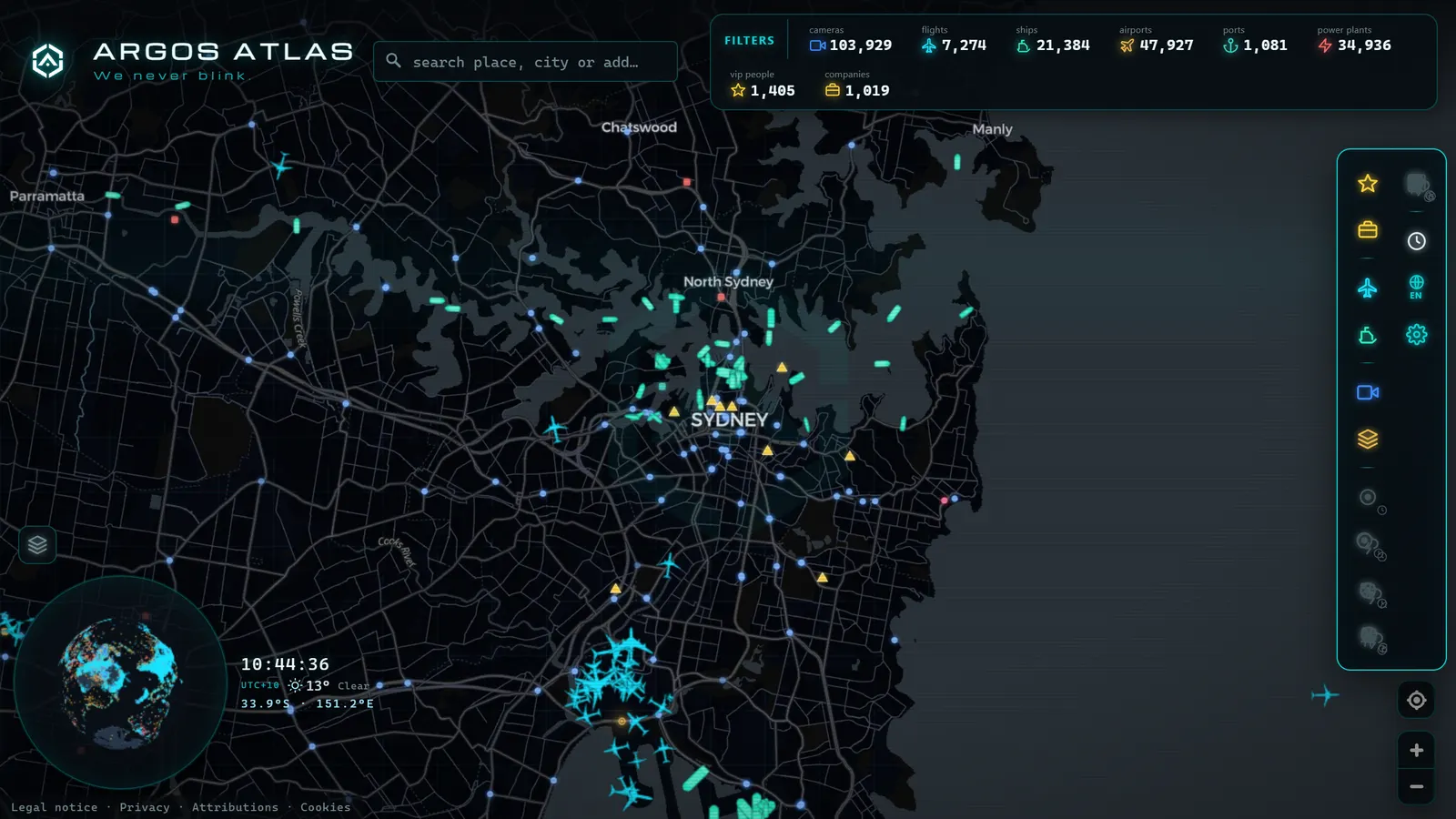
Privacy: what these cameras show
A note that matters: traffic cameras like those of Live Traffic NSW show wide views of the carriageway and cannot identify people or read number plates. Their job is to show the state of the road, not who is on it, which is exactly why the images can be published openly. They are a different system from enforcement cameras, which operate under their own rules. For the broader picture, see our piece on traffic cameras, privacy and legality.
Practical tips
To close, a quick routine that works in Sydney as well as anywhere:
- Check before you leave, not during: a ten-second look at the two or three cameras on your route beats fiddling with a phone in traffic. Never check cameras while driving.
- Learn your pinch points: every regular route has one or two spots that decide the journey. Find their cameras once, and checking becomes instant.
- Trust the image over the rumor: a camera showing free-flowing traffic outranks a half-heard report of chaos.
- Mind the timestamp: images refresh frequently, but always glance at the capture time before acting on what you see.
Sydney's traffic will keep being Sydney's traffic. But between the driver who joins the M1 blind and the one who has already seen it, the difference is a calmer, shorter, better-planned trip.
Frequently asked questions
How many traffic cameras are there in Sydney?
Transport for NSW publishes around 200 official cameras through Live Traffic NSW, covering Sydney and key corridors across the state. Adding other public sources, the ARGOS ATLAS map shows around 330 cameras in the Sydney area.
Are NSW traffic cameras live video?
Most official traffic cameras publish still images that refresh frequently rather than continuous video. That is enough to judge congestion, weather and incidents, and it keeps the service fast and reliable for everyone.
Can I see the Sydney Harbour Bridge live?
Yes. The Harbour Bridge and its approaches are among the most monitored spots in the network, since the crossing concentrates a huge share of the city's daily traffic. Checking the camera before crossing is a classic Sydney commuter habit.
Do these cameras identify people or number plates?
No. Traffic cameras show wide views of the road to assess flow and conditions, and they cannot identify individuals or read plates. They are separate from enforcement cameras, which operate under their own rules.
Is there a free live map of NSW traffic cameras?
Yes. The ARGOS ATLAS map shows around 980 New South Wales cameras live, free and with no sign-up, including the Live Traffic NSW feeds. Zoom in on Sydney, tap any camera and check its image and timestamp on the spot.
- California Traffic Cameras: 6,900 Live, Caltrans and More
- Queensland (QLD) Traffic Cameras: Brisbane Live Map
- Perth Traffic Cameras: Watch WA Freeways Live on One Map
- Texas Traffic Cameras Live: TxDOT on One Free Map
- Madrid traffic cameras: 1,464 public cams live on one map
- Ontario 511 Cameras: Live Map of All 1,670 Highway Feeds