Blog · OSINT & verification
How to Install God's Eye View: Requirements, Keys and Steps
A comparison by the ARGOS ATLAS team. Facts about the alternatives were checked on October 9, 2026 against their own sites, repositories and app stores. All comparisons →
ARGOS ATLAS
A live map that opens in your browser, with nothing to install and no keys
Best for Anyone who wants the live map today, with nothing to set up
God's Eye View
A 3D globe you install with Node.js or Pinokio and feed with your own keys
Installing God's Eye View takes Node.js 24.14 or later, git and four commands in a terminal (or the Pinokio installer), and for its photorealistic globe, your own API keys. With ARGOS ATLAS you skip all of that: it opens in your browser with more than 200,000 cameras, ships and conflict already wired in.
| Criterion | ARGOS ATLAS | God's Eye View |
|---|---|---|
| Getting started | In your browser | Install Node.js or Pinokio |
| API keys | None | Your own |
| Photorealistic 3D globe | Ready, on DISTRICT | With your token |
| Public cameras | 200,000+ | About 3,900 |
| Armed conflict | 16 fronts | Not included |
| Mobile | Any browser | Your own server |
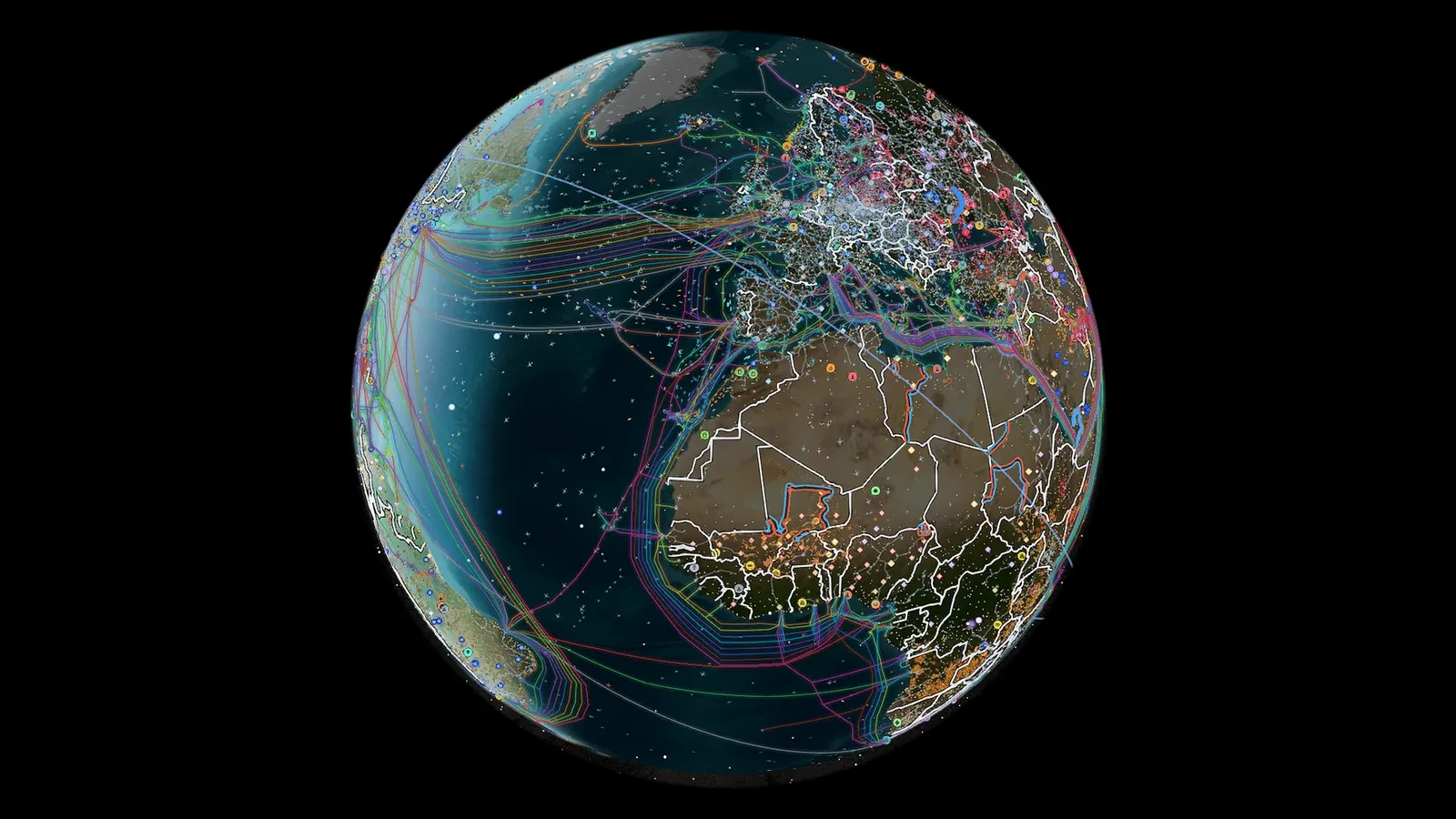
Live layers
God's Eye View requirements and install steps
You need Node.js 24.14 or later, or version 26 (not 25: it's no longer supported), and git. Then, in a terminal:
git clone https://github.com/bilawalsidhu/gods-eye-view.git, then step into the folder withcd gods-eye-viewnpm cinpm run doctor, which checks your setupnpm run dev, then open localhost:4173 in your browser
If you'd rather avoid the terminal, Pinokio 8.2 or later installs it with two buttons, Install and Start. There's no official Docker image.
The API keys, and what each one unlocks
You paste the keys through the app's own POWER UP button or into its .env file:
- Cesium ion: photorealistic 3D and global terrain; free only for personal, non-commercial use, with commercial plans from US$149 a month.
- Google Maps: photorealistic 3D directly; billing must be enabled.
- OpenAI: voice and the AI summary; charged by usage, and the app warns you at US$2 and stops at US$5 per session.
- AISStream, NASA FIRMS and TomTom: ships, wildfires and real traffic.
Its own README warns that if you expose it to your network, anyone who reaches it uses your keys.
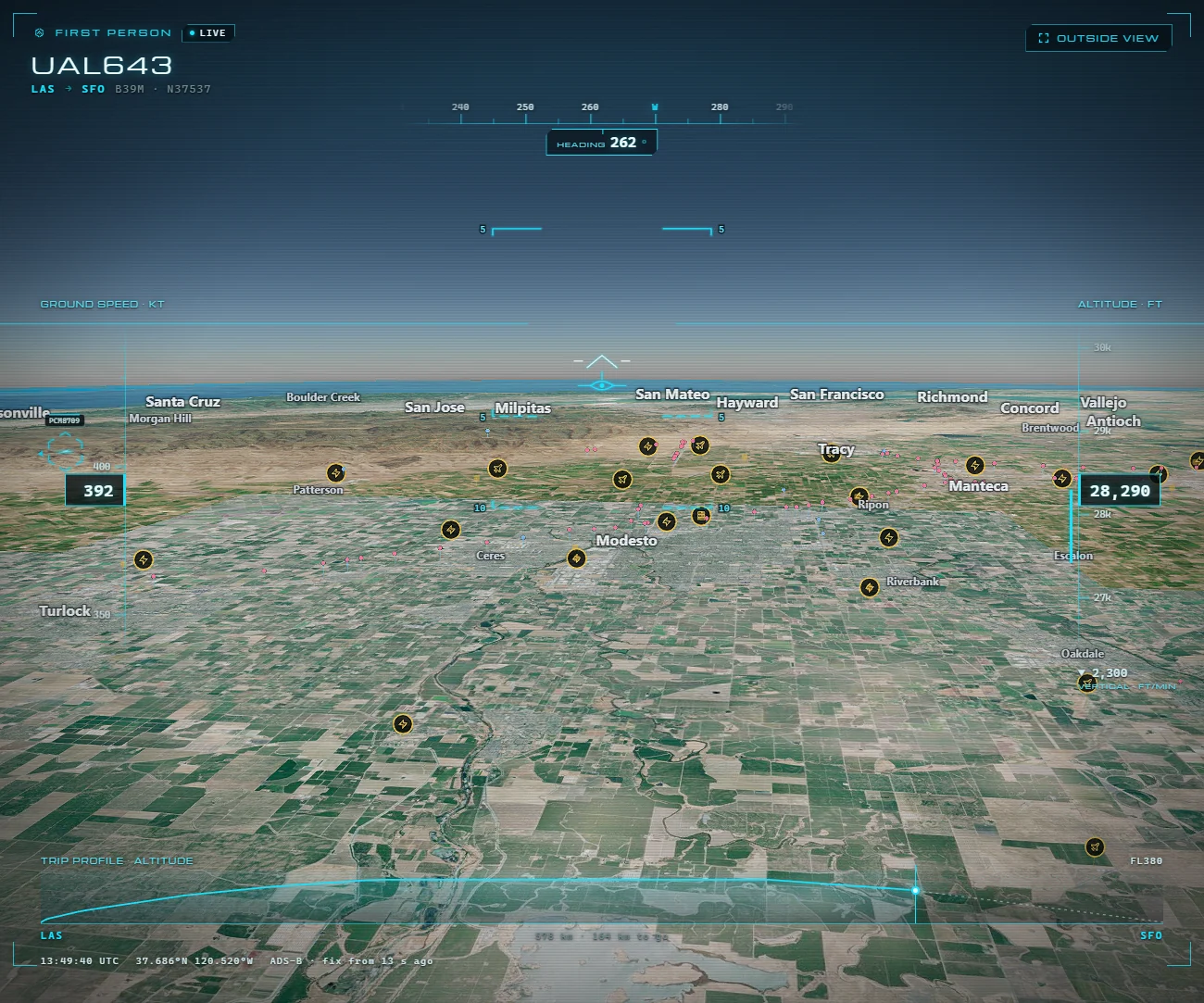
Or skip all of this: ARGOS ATLAS
With ARGOS ATLAS there's nothing to install and no keys to find: you open the live map and more than 200,000 public cameras, around 15,000 flights and 21,800 ships at a time, 16 war fronts and 1,715 events verified by photo or video are already on. Providers, bills and updates are on our side, and it works the same on a phone. From DISTRICT up, the 3D globe with photorealistic buildings comes ready, without a single token.
Open the live map and skip the install; the 3D globe, camera recording and alerts come with the ARGOS PRO plans. The full head-to-head is in ARGOS ATLAS vs God's Eye View.
Frequently asked questions
What are the requirements for God's Eye View?
Node.js 24.14 or later, or version 26 (not 25), plus git; or, instead, Pinokio 8.2 or later. It runs on your own computer and opens at localhost:4173. ARGOS ATLAS needs none of that: it opens in any browser, on a phone too.
Which API keys does God's Eye View need?
For the photorealistic globe, a Cesium ion token or a Google Maps key with billing enabled; ships need AISStream, wildfires NASA FIRMS, and voice OpenAI, which charges by usage. ARGOS ATLAS asks for no keys at all: providers and bills are on our side.
How much does God's Eye View cost to run?
Downloading it costs nothing, but its photorealistic globe needs your own Cesium ion token (free only for personal, non-commercial use; commercial plans start at US$149 a month) or a Google Maps key with billing, and voice runs on OpenAI, which charges by usage. ARGOS ATLAS asks for no keys and has a free plan.
Can I use God's Eye View without installing it?
Officially, not yet: the hosted version its README announces was still on a waitlist on 9 October 2026, and the sites using its name belong to other teams. If you'd rather install nothing, ARGOS ATLAS opens in any browser with cameras, flights, ships and conflict live.
- God's Eye View vs World Monitor: Differences and Which to Pick
- ARGOS ATLAS vs World Monitor: Live Cameras, Ships and Events
- World Monitor Alternatives: 7 Live Maps and OSINT Dashboards
- ARGOS ATLAS vs OSIRIS AI: Live Ships, Conflict and Cameras
- Best OSINT Maps of 2026: Six Live Intelligence Maps Compared
- Live Conflict Maps Compared: Liveuamap, DeepStateMap and More